
Video by L.Dre via YouTube
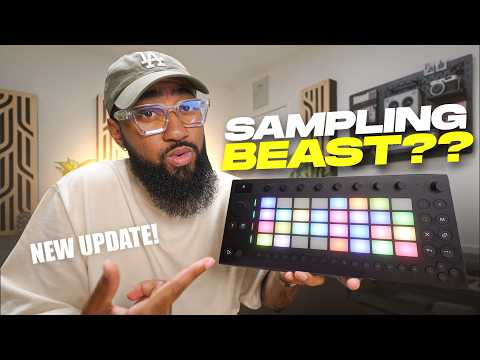
The Ableton Move just got audio tracks and the sampling workflow is a whole different animal now. I break down how I use it to sample from my phone via USB-C, warp, chop, and build a full beat – all on the device.
📦 SAMPLE PACKS & COURSES:
https://prodbyldre.com
🎵 STREAM MY MUSIC:
https://www.lofidre.com/music
📱 CONNECT:
IG: https://www.instagram.com/ldrethegiant/
Discord: https://discord.gg/bWgG6AjUJU
All Links: https://beacons.ai/l.dre
💬 NEED PERSONALIZED ADVICE?
Book a 1-on-1 call: https://prodbyldre.com/pages/1-on-1-coaching
💿 DISTROKID (7% off):
http://distrokid.com/vip/prodbyldre
🎛️ PLUGIN DEALS:
https://pluginboutique.com/?a_aid=5c5a1a9847070
⏱️ CHAPTERS:
0:00 Intro
1:00 Laying Down Drums
1:31 Audio Tracks + Warping
2:05 Sampling From Phone via USB-C
3:24 Warping the Sample
4:11 Resampling + Chopping
5:44 Best Way To Distribute Music
6:39 Erosion Plugin
7:02 Adding Melody
7:26 Recording Synth via Audio Track
8:19 Resampling to Free Up Tracks
10:44 Final Thoughts
#ableton #abletonmove #sampling