
Video by Spotify Music Marketing via YouTube
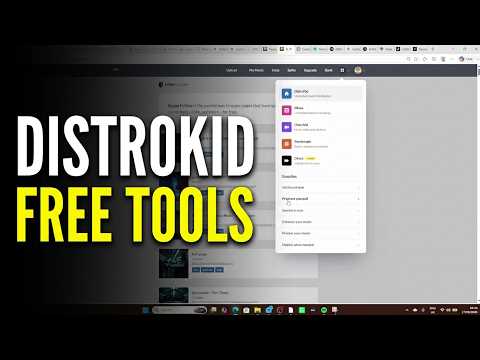
Most artists use DistroKid just to upload music, but they miss out on the powerful free marketing tools included in the "Promote Yourself" menu. In this video, I walk you through how to use DistroKid’s free tools—like HyperFollow landing pages, promo cards, and the meme generator—to grow your fan base and professionalize your brand without spending extra money.
In this video, you’ll learn:
HyperFollow Customization: How to add bio links, social media, and embed YouTube videos into your landing pages.
Ad Tracking: Setting up Meta and Google pixels on your HyperFollow page for better conversion data.
Social Assets: Creating instant "Out Now" mini-videos and professional promo cards in seconds.
Visualizers: A look at the paid video generator for EDM and lyric videos.
Support the Channel: Thinking about signing up? Use my link for a 7% discount: [Your Affiliate Link]
0:00 – Why You Should Use DistroKid’s Promo Tools
0:13 – HyperFollow: The Ultimate Free Landing Page
0:44 – How to Customize Your HyperFollow Page
1:48 – Adding Video Sections & Custom Links
2:53 – How to Add Social Media Links
3:15 – Embedding Audio & Custom Files
3:35 – Setting Up Ad Tracking Pixels (Meta & Google)
4:09 – HyperFollow Page Final Look
4:26 – Free Mini-Videos for Social Media
4:54 – How to Use the Meme Generator
5:02 – Generating Professional Promo Cards
5:24 – DistroKid Video Generator (Visualizers)
6:30 – Final Verdict: Is HyperFollow the Best Tool?